Add the schedule you received.
Enter it manually, take a photo, or describe the instructions for review.
Medication timing, made visible
DoseWindow turns the medication schedule you enter into a calm visual timeline—so you can understand what comes next at a glance.
For iPhone, iPad, Mac through Mac Catalyst, and Apple widgets.
See where you are in the dose window—not just when an alarm rings.
How it works
Three simple steps. You stay in control of what is saved and what action you take.
Enter it manually, take a photo, or describe the instructions for review.
A visual timeline separates Now from the scheduled dose.
Capture your decision without DoseWindow deciding for you.
Based on the schedule you entered.
The DoseWindow timeline
Journey shows the full path. Window focuses on the active timing region. Overdue keeps the next decision clear—without giving medical advice.
Example only · Based on the schedule you entered.
Built around real routines
See timing around a specific dose time.
Organise schedules that repeat over time.
Plan intervals around the waking hours you enter.
Keep a clear record of your decisions.
Sync through your private iCloud account when enabled.
Record Taken or Skipped from supported widgets.
The experience is being prepared for both languages.
Apple Vision can extract text on-device for you to review.
Private by principle
Medication plans and dose history use your private iCloud account when iCloud Sync is enabled. DoseWindow does not sell personal data or use medication data for advertising or tracking.
Read the privacy policy →Photos may be read on-device with Apple Vision. Guided setup may send only the information or image you choose to provide to the configured AI service. Nothing is added until you review and confirm it.
Designed to be understood
DoseWindow is designed with Dynamic Type, VoiceOver, colour-independent status, Reduce Motion, high contrast and large touch targets in mind.
Accessibility statement →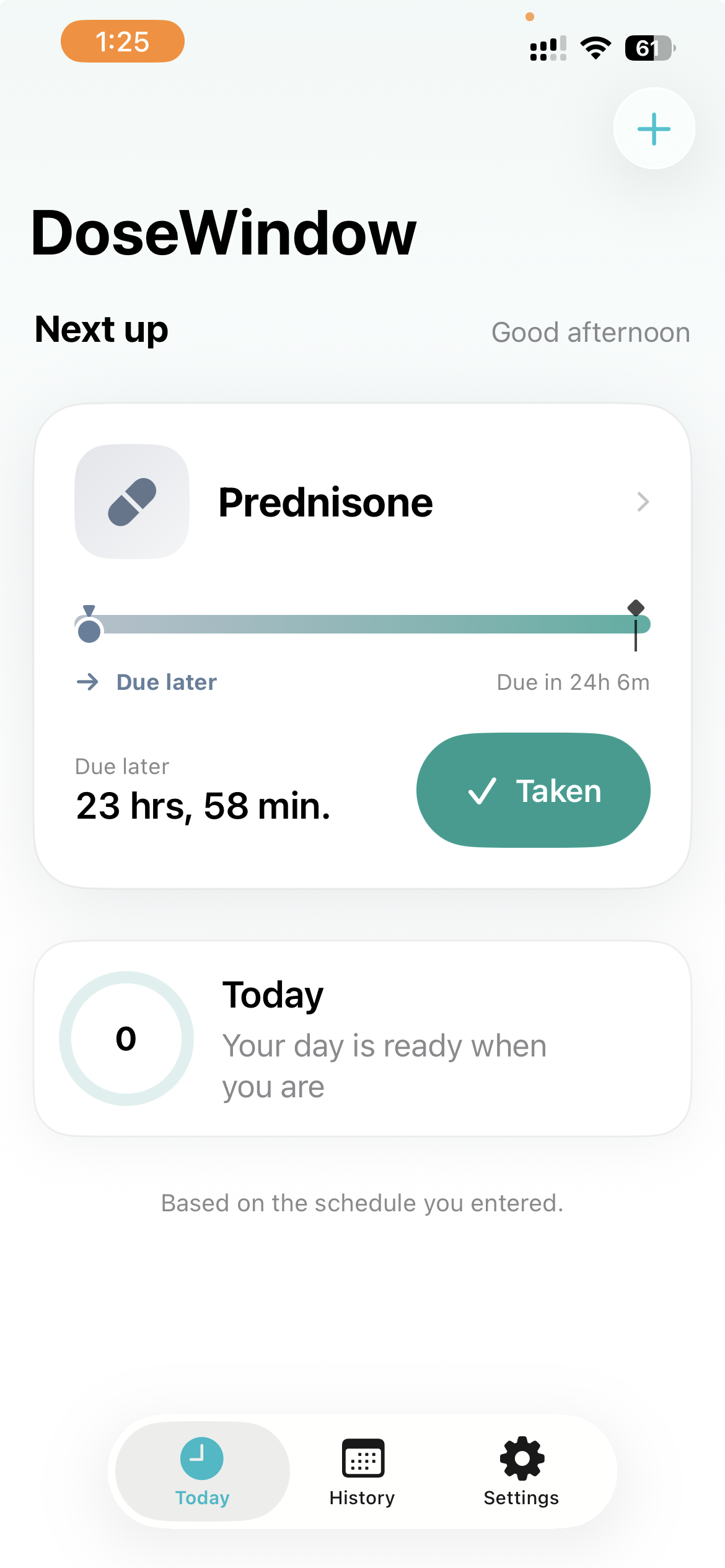
A calmer view of what comes next
DoseWindow helps organise medication schedules. It does not provide medical advice.
Coming to the App Store